


Samsung
65" Mini LED M70H 4K Samsung Vision AI Smart TV (2026)
65" Mini LED M70H 4K Samsung Vision AI Smart TV (2026)
SKU:UA65M70HAUXTW
Couldn't load pickup availability
The answer to your thrilling moments

The words Samsung Vision AI is accompanied by the Samsung AI logo. Nearby, a TV turns on to display abstract visuals.


Ask your companion anything. Samsung Vision AI is here.
Samsung Vision AI Companion
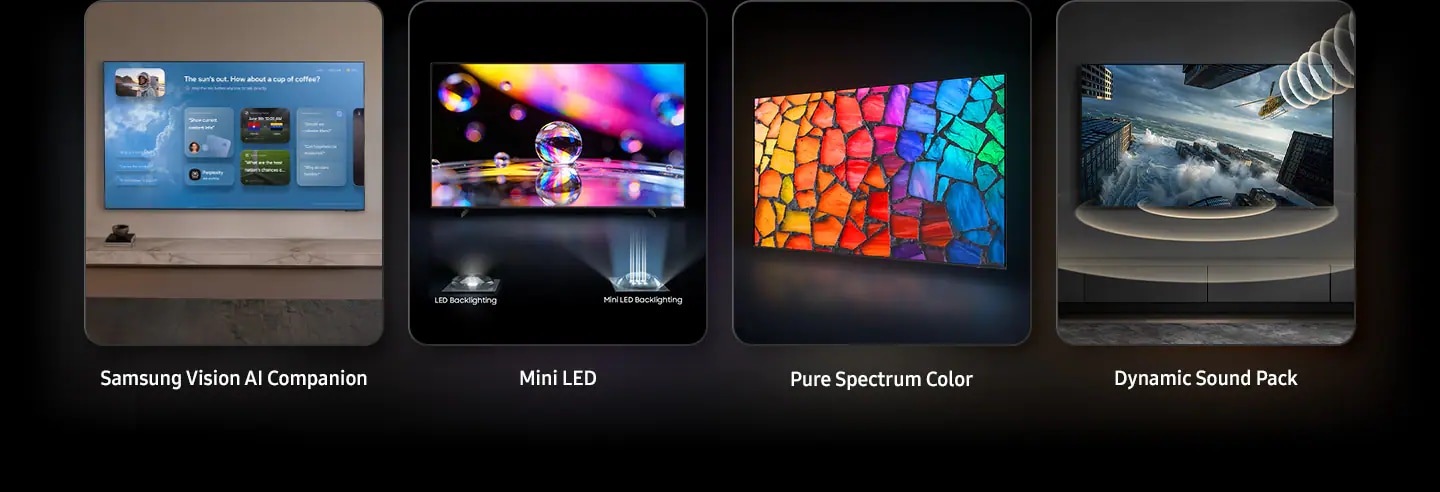
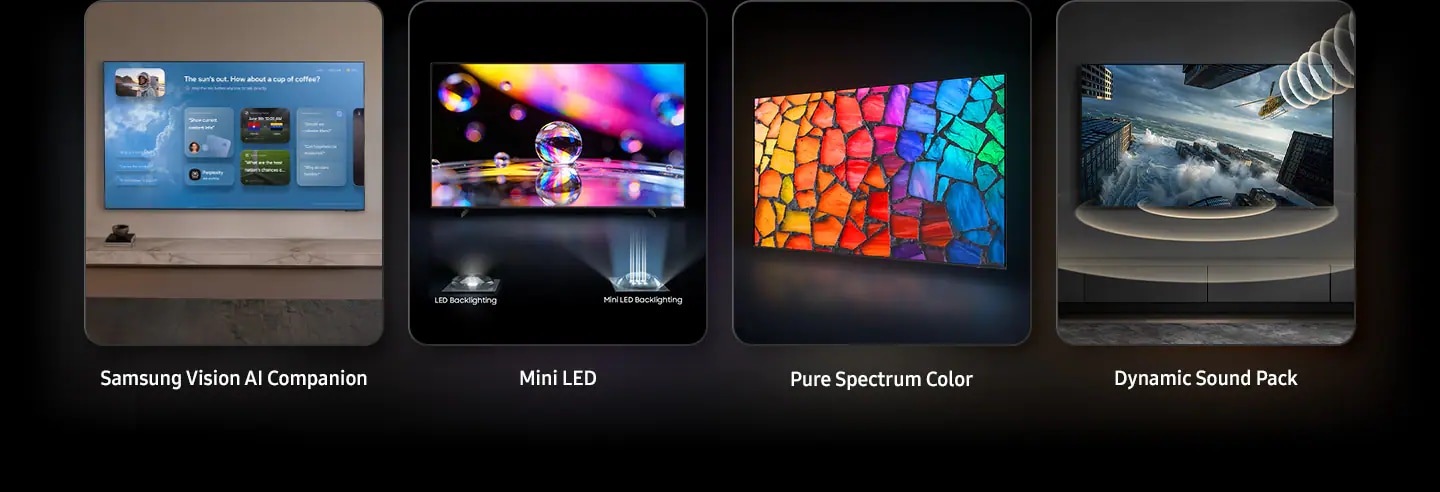
TV becomes an intelligent companion, with Vision AI Companion redefining screen interaction. Backed by 20+ years of TV insight, Vision AI Companion delivers context-aware, rich and dynamic answers — enhanced by leading AI agents like Gemini and Perplexity — all without interrupting what's on screen. It seamlessly adapts to daily routines, whether it's catching up on morning updates, tracking live sports moments, finding great nearby spots or discovering more about on-screen content. With AI, picture, sound and generative features are seamlessly connected and continuously evolving.1


Samsung TV playing football scene with examples of Bixby answering user questions on screen related to the game.
Picture Quality


Our advanced Mini LED Technology
Mini LED
Experience deeper contrast that brings scenes to life. Mini LED technology uses smaller backlights than regular LEDs to control light with greater accuracy, revealing finer details and realistic depth for a clear, immersive picture.


A Samsung TV screen is positioned between a LED backlighting and a Mini LED backlighting diode. When the LED backlighting diode lights up, the screen shows a dim close-up of water molecules with limited contrast. As the Mini LED backlighting diode lights up, the image becomes noticeably brighter, with deeper contrast and sharply defined details revealed across the screen. Scene then zooms into the shining Mini LED backlighting diode.
True-to-life, ultra-wide color delivered with Mini LED precision
Pure Spectrum Color
Enjoy clearer, more natural colors on Samsung Mini LED TVs. Pure Spectrum Color delivers pixel-level color accuracy with an expanded color gamut. Each hue appears rich and precise across the screen, maintaining depth and balance without oversaturation.


More about
Picture Quality


Striking contrast brought to life in powerful 4K
Mini LED Processor 4K
The Mini LED Processor 4K applies Samsung’s proprietary processing to deliver more finely detailed expression. It also upscales content with precision for immersive 4K clarity and optimizes sound to suit your viewing environment.2


Sharper highlights and deeper blacks in cinematic scale
Mini LED HDR
Enjoy richer depth and clearer detail across each scene. With Mini LED HDR, contrast is enhanced to bring out deeper shadows, brighter highlights and refined detail.3

Watch your favorite content in 4K
4K Upscaling
Samsung's powerful 4K upscaling technology ensures you get up to 4K resolution for the content you love.4

Intelligently enhances color expression
Color Booster
Color Booster transforms the way you experience TV by intelligently enhancing color expression, making each scene more vivid and dynamic.5
Gaming Experience


Improved picture clarity with smooth motion up to 2K 120Hz
Motion Xcelerator
Experience a clear picture with Motion Xcelerator as your TV estimates the movement between frames, then uses that information to improve motion smoothness for subsequent frames.6


Sound


One immersive sound experience
Dynamic Sound Pack


Object Tracking Sound Lite
3D surround sound with our virtual top channel audio allows you to be immersed in the audio experience.

Adaptive Sound
Adaptive Sound has audio scenic intelligence that optimizes sound based on real-time scene analysis by content type.7

Q-Symphony
Q-Symphony unites your TV and soundbar to play sound simultaneously in perfect harmony. With AI trained on thousands of audio sources, it creates immersive surround sound that heightens your viewing experience.8
One UI Tizen


Personalize your screen experience
One UI Tizen
One UI Tizen delivers a seamless and consistent Samsung device experience. Samsung Tizen OS lets you take advantage of the latest innovative Samsung features — including quick access to the content you love, convenient AI management and powerful protection with Samsung Knox Security. Plus, One UI Tizen will support Tizen OS upgrades for next seven years, bringing you the latest apps & services.9


Enjoy 7 years of new TV experiences10


Relive your favorite memories with Google Photos for Samsung TV
Google Photos for Samsung TV
Google Photos is the home for all your life’s memories. Rediscover your favorite photos, both new and old, with daily curated memories from Google Photos and enjoy seeing the people, trips and activities that matter most on your Samsung TV.11


Your privacy. Secured.
Samsung Knox Security
Samsung Knox Security helps keep your TV protected at all times. Sensitive data such as passwords stays safeguarded, connected IoT devices are actively monitored and harmful apps or sites are blocked automatically. With ongoing security updates, your TV stays secure and ready for safe viewing.12


SmartThings


Do the SmartThings!
SmartThings
Optimize your home devices for a smarter lifestyle. Enjoy a customized smart home experience with thousands of SmartThings-compatible devices that simplify your day-to-day life.13


A modern living room with a wall-mounted Samsung TV displaying the SmartThings dashboard, showing connected devices across different rooms. Icons around the space represent lights, air conditioning, blinds, appliances and a robot vacuum, all controlled from a single screen. The view zooms into the TV to reveal the SmartThings interface in detail. The stand-light icon is selected, and when its power button is activated, the floor lamp in the living room turns on. The interface then transitions to the blinds icon, and when its power button is activated, the living room curtains open. The view zooms back out to the full living room, now showing all connected devices active and working together. SmartThings logo, matter logo.
More about
SmartThings


Control your TV straight from your phone
Quick Remote
With Quick Remote in the SmartThings app, your phone works as a remote, letting you change channels, manage volume and more — straight from your mobile device. You can also access key Samsung Tizen TV features, explore media and adjust settings with ease.14


Save energy use by intelligently analyzing your surrounding, behaviors and content
AI Energy Mode
Easy energy management with SmartThings. By turning on AI Energy Mode, it auto detects surrounding light levels and analyzes usage behaviors to adjust the brightness. It analyzes the content scene by scene to subtly adjust brightness and help save energy consumption where possible.15

Transform your TV into a karaoke stage
Karaoke
Transform your TV into a karaoke stage, with your phone as the mic or wireless microphones. Start singing with friends and family, filling your living room with fun, energy and lively entertainment.16
Design


Elegant metal stream design to upgrade your space
MetalStream Design
Inspired by aircraft design, the MetalStream Design features a luxurious metal body. With no additional bezel required, a single sheet of metal is used to create a slim bezel, enabling a truly immersive experience.17


Shipping & Returns
Shipping & Returns
The delivery will be within 2 business days unless it is mentioned otherwise.


